
Covers
How to choose a reel cover people can understand
One clear image, a short headline and a phone-sized check: a practical approach to reel covers for new creators.

Your cover starts the conversation
A viewer can see your cover before they play your video. Help them understand the topic quickly. You do not need to fit the entire script, several photos and a long promise into one image. Start with one question: what should this cover communicate?
If your video explains how to record a first reel, make that subject clear. “Change your life” leaves people guessing. “Your first reel” gives them a useful starting point. Simple wording works when it reflects the actual content.
Finish the main edit before choosing the cover. You can then describe the video you have, rather than trying to make it fit a headline you happened to like. Watch the opening again and write its main point as a single sentence.
Choose one main image
It might be your face, an object from the video or the result you are explaining. Other elements should help the viewer notice it. When several details demand equal attention, it becomes harder to know where to look first.
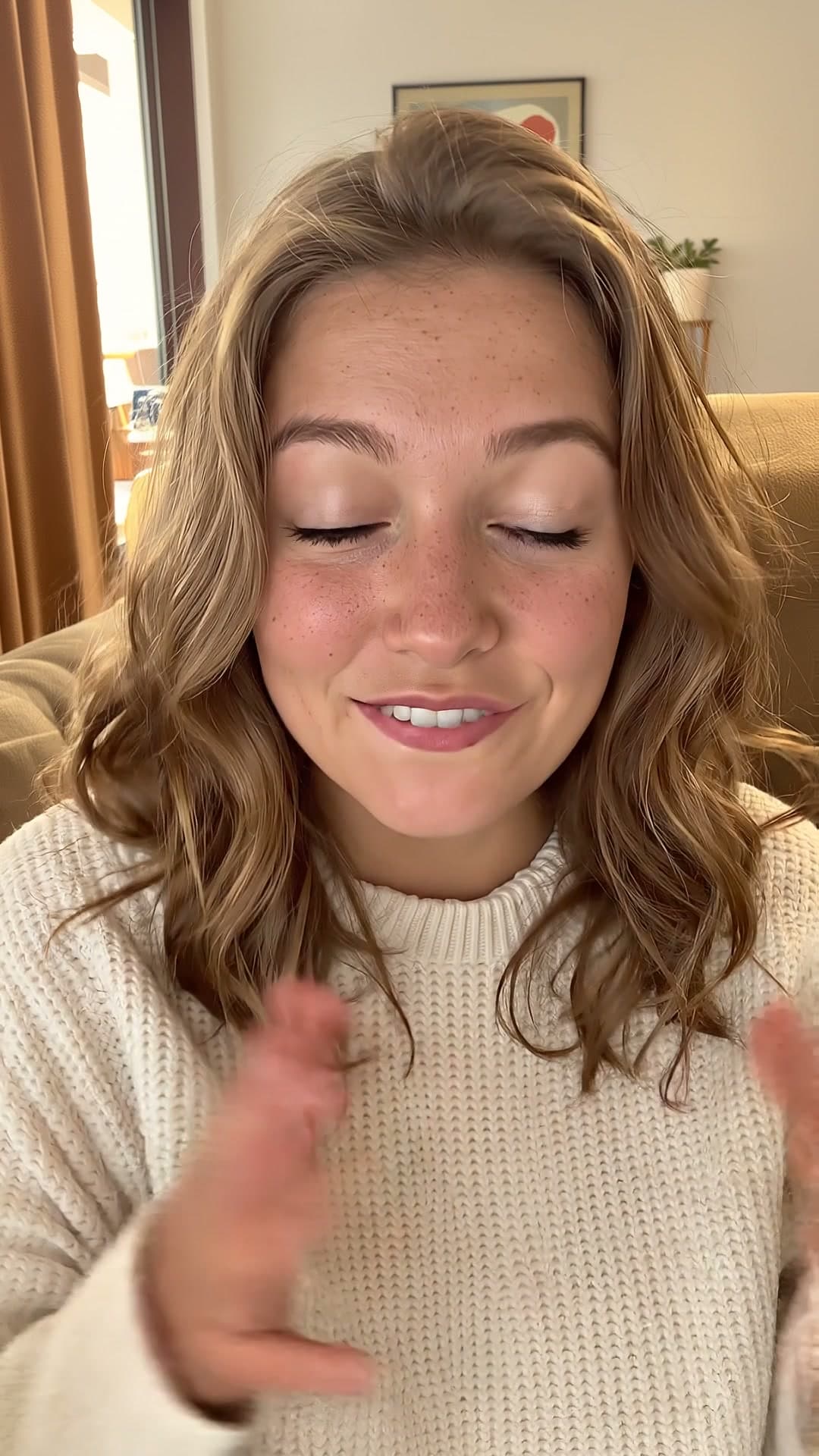
If you use your face, choose a frame with an appropriate expression and a clear composition. If you show an object, keep it recognisable. Do not cover the most important detail with text simply because that is where the headline fits.
ReelFab helps you create reel covers. Try a design that suits your topic, then review it at a small size. An attractive large image and an understandable thumbnail are different requirements. A useful cover needs to work at both scales.
Reduce the headline to its point
Your text should add to the image. Remove words that do not help someone recognise the topic. For example, “Today I want to talk about how you can start filming” can become “Your first reel: where to start.”
Try one of these approaches:
- A question: “How do I speak to the camera?”
- A specific task: “Captions that are easy to read.”
- A visible result: “Window light for your videos.”
Choose a promise you deliver inside the reel. If you are sharing your own approach, describe it that way. Avoid adding a guaranteed outcome the video cannot support. A clear match between the cover and the content helps viewers know what to expect.
Check the cover on your phone
Before publishing, open the image at a small size and ask:
- Can I read the headline without zooming in?
- Is there a clear main element?
- Do the letters stand out against the background?
- Are important details visible in the platform's post preview?
- Does the topic match the opening of the video?
If you are choosing between two designs, compare them using these questions. You do not need a completely different style for every post. Familiar colours and a clear composition can provide a useful starting point for the next one.
The cover helps someone choose your video; the video should continue the same conversation. Once it is ready, review your captions and opening again. If you have not started filming yet, use this simple plan for your first reel.