Your creator journey starts here
You film.ReelFab edits.
AI editing in 3 minutes. Perfect captions with automatic correction. Standout covers. Ideas for your niche.
On your phone or computer — wherever works for you.
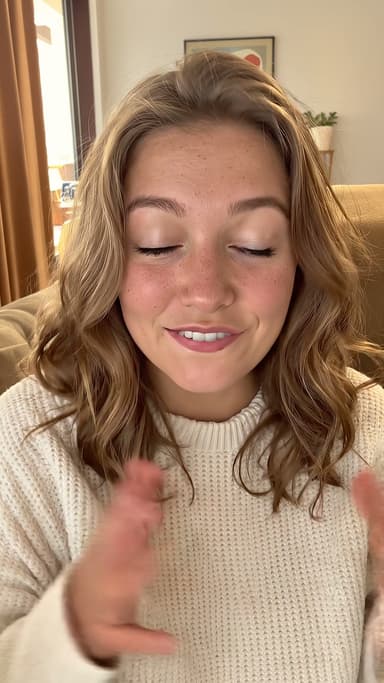
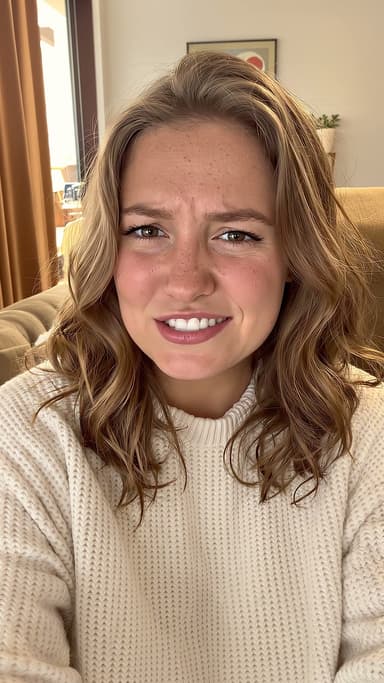
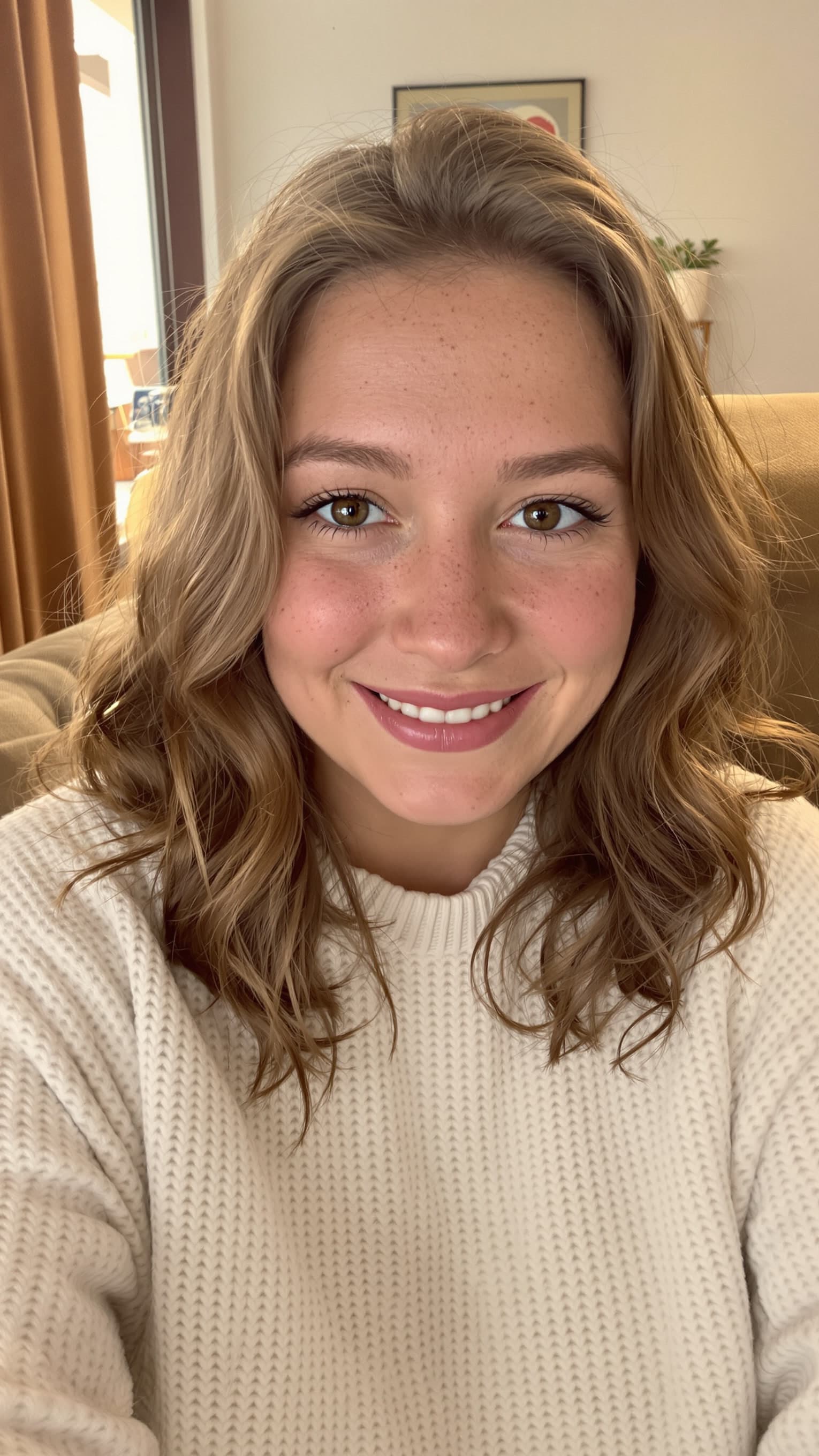
Sound familiar?
You want to create. Editing keeps getting in the way.
01 / Editing & captions
Your best takes. One finished reel.
AI picks the best parts, trims the rest and adds captions. Edited in 3 minutes. You get the final say.
- Quick changes in an easy editor
- Automatic caption correction
- Captions that fit your style
- Add more clips as you go
- HDR support
Select a phrase
Caption style





Photo, comic, or something uniquely you.
02 / Reel covers
Give them a reason to press play.
Create striking covers that get your idea across and catch attention before the first frame.
Create a cover03 / Ideas & inspiration
What to film next? Find your next idea.
Explore your niche, save what inspires you and add materials straight to your reels.
- Discover ideas in your niche
- Keep your finds in one place
- Add them to your own reels
Sample collection
From recording to ready
Your first reel. Three simple steps.
Film it
Share your idea on camera. Multiple takes are welcome.
Upload it
AI edits your reel and adds captions in 3 minutes.
Make it yours
Tweak the edit, choose your captions and export.
FAQ
A few things you might wonder.
01What if I've never edited a video?
That's what ReelFab is here for. Upload your recordings and AI will pick the best parts, put your reel together and add captions. You can then make changes in the easy editor.
02What does AI do in 3 minutes?
It turns your recordings into a reel: picking the best parts, trimming what you don't need and adding captions. You can then review the edit and make it your own.
03Can I change the AI edit?
Yes. Use the editor to make quick changes, choose a caption style and add more clips.
04Can I use HDR video from my phone?
Yes, ReelFab supports HDR video.
05Do I need to install an app?
No. ReelFab works through the website, on your phone or computer — wherever works for you.
06Can I try it for free?
Yes. Start for free and try ReelFab with your own recordings. You'll find the available features and plan details in the app.